
Frozen Timestamps
Your timestamp freezes the instant you press Alt+N and begin typing, not 30 seconds later when you click Save. The context is never lost.
Your thoughts. Your words. At the exact second.
AI can summarize what the speaker said, but it can’t capture what you thought. YouTube Notes freezes your timestamp the second you start typing, so your insights stay anchored to the exact moment you learned them.
100% Free · Local-first & Private · Start without an account — sign in to sync across devices
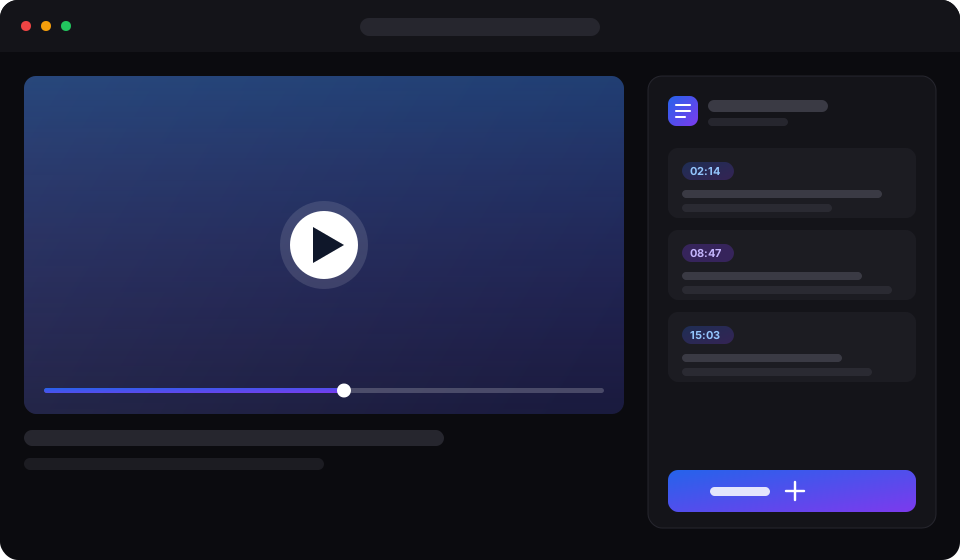
A focused toolkit that lives beside the player — no tab switching, no lost thoughts.
Your timestamp freezes the instant you press Alt+N and begin typing, not 30 seconds later when you click Save. The context is never lost.
Remember a concept but forgot which 2-hour lecture covered it? Search any keyword across all your past videos in milliseconds.
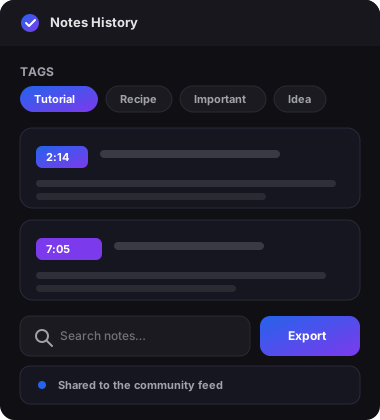
Organize notes with tags and filter to find exactly what you need — synced to your account.
Publish a note to a per-video community feed and see what other viewers shared.
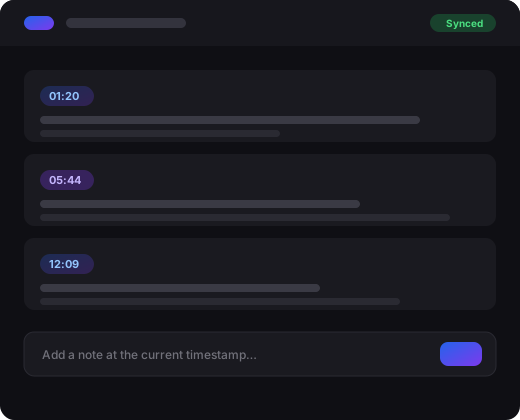
Your notes follow you across devices and browsers, backed by your own Google account.
Capture full multi-minute explanations (e.g. 14:10 – 18:35) or single moments. Click any note to jump straight back to that exact second.
Keep any note, video or channel in one private library, filed into folders up to five levels deep.
Write [[a link]] between notes, and every note shows what points back at it.
See how long you've kept each video, how far through it you got, and how much you captured from it.
How serious learners capture and retain knowledge from video.
An idea sparks while learning. Hit the shortcut to freeze the moment without touching your mouse.
Capture your synthesis, code ideas, or questions. Playback keeps rolling while your thought is preserved.
Weeks later, search any keyword in your library and jump straight back to that exact second of explanation.
We ask for the minimum needed to save and sync your notes — nothing more.
When you sign in with Google, YouTube Notes uses your basic profile — name, email address and profile picture — to create and identify your account. The extension never touches your YouTube watch history, never acts on your behalf, and never sells your data. Read our Privacy Policy for the full details.
Clean, fast and right where you need it — beside the video.
Everything else you might be wondering about.
Yes. Your notes are yours. They are stored securely, never sold, and never shared with third parties. You can export or delete everything at any time.
Google Sign-In lets us sync your notes securely across your devices without you managing another password. We only request your basic profile — never your watch history.
Absolutely. Export your notes as JSON, a self-contained HTML page, or Markdown at any time, so your knowledge is never locked in.
Yes — YouTube Notes is completely free. Your notes sync to your own Google account, so there is nothing to buy.
Yes. Publish a note to the video's community feed for other viewers to see, or export your notes to a file to share however you like.
Every improvement we ship, in one place.
Install YouTube Notes and never lose a great idea again.
Install Extension